
Nimulo – soothing animations with a timer
Pick a calm scene, set the time and volume, and the smooth animation switches itself off. A digital night light with a moving picture — for winding down and falling asleep.
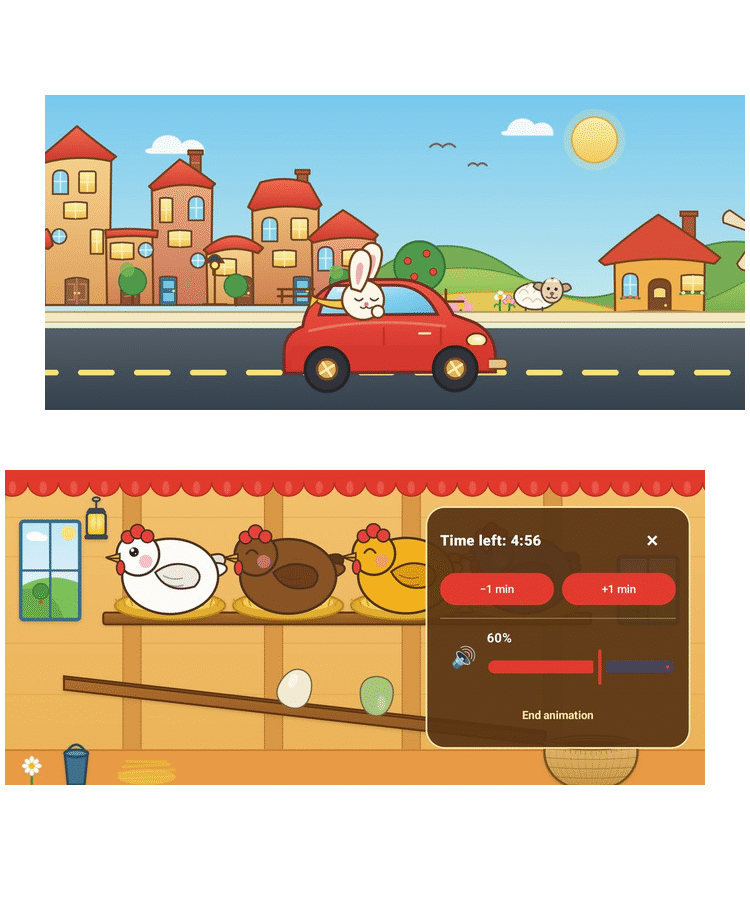
How it works
Three simple steps: pick a scene, set the time and sound, and the timer takes care of the rest.
What sets it apart
Calm without distractions, and a simple, parent-friendly way to wind down.
Set-and-forget timer
1 to 30 minutes with automatic shutoff — no need to close the app while putting your child to sleep.
Full sound control
A separate on/off switch and volume slider, available even during playback — easy to match to a quiet room.
Works offline
Lightweight vector scenes rendered locally — smooth visuals with no heavy video files to download.
Many languages
An interface available in dozens of languages, plus a distraction-free full-screen mode.
Wind down in a few minutes
Download Nimulo from Google Play, set the time, and put your phone down — the animation will switch off on its own.